Character Limits of Google Ads: A Comprehensive Guide
Here's a comprehensive guide on Google Ads character limits for expanded text ads, responsive search ads, ad extensions and more.
PPC Ad Editor Team
Google Ads (aka Pay-per-click, Search Engine Marketing, Paid Search) is one of the best channels to advertise your own business or for your clients. If set up and managed correctly, you can expect a positive ROI of at least 2:1, many times more. This is because your ads will only show up for people looking for your product or service (high intent).
Free Tool: Google Ads Character Limit Checker
Validate your RSA headlines, descriptions, sitelinks, callouts, and structured snippets against official Google Ads character limits in real-time. See a live preview as you type!
There are a lot of things you need to think about when creating your campaigns on Google. From bidding on the right keywords to targeting options, ad budgets, and more—it can get complicated real fast.
One of the biggest challenges of creating a new campaign is writing the ads. Google doesn’t give you much room for everything you want to say about your product or service.
For novice advertisers or clients that are not familiar with Google Ads this could be frustrating.
That’s why we created this Google Ads character limit tool! Our tool can be used as a ads template so you know if your headlines and descriptions fall within Google’s character limits.
Even better, you can share a link to your ads so your clients can edit the ads themselves and still be within the limits of Google’s Ad limitations.
Why Did Google Put Character Limits on their Ads?
Google does a good job of explaining why they have put character limits on their ads, by saying “The primary reason for these limitations is to make sure that your ad shows in the same place as similar ads from other advertisers.” In essence, Google wants all its users to see relevant results and not spam. If you go over the limit, it’s likely your ad will show lower than others which means fewer clicks.
What tools can I use? There are many free and paid character counter services available online but we recommend using ours because it works with google’s new responsive search ad type.
Google Ads Character Limits 2021
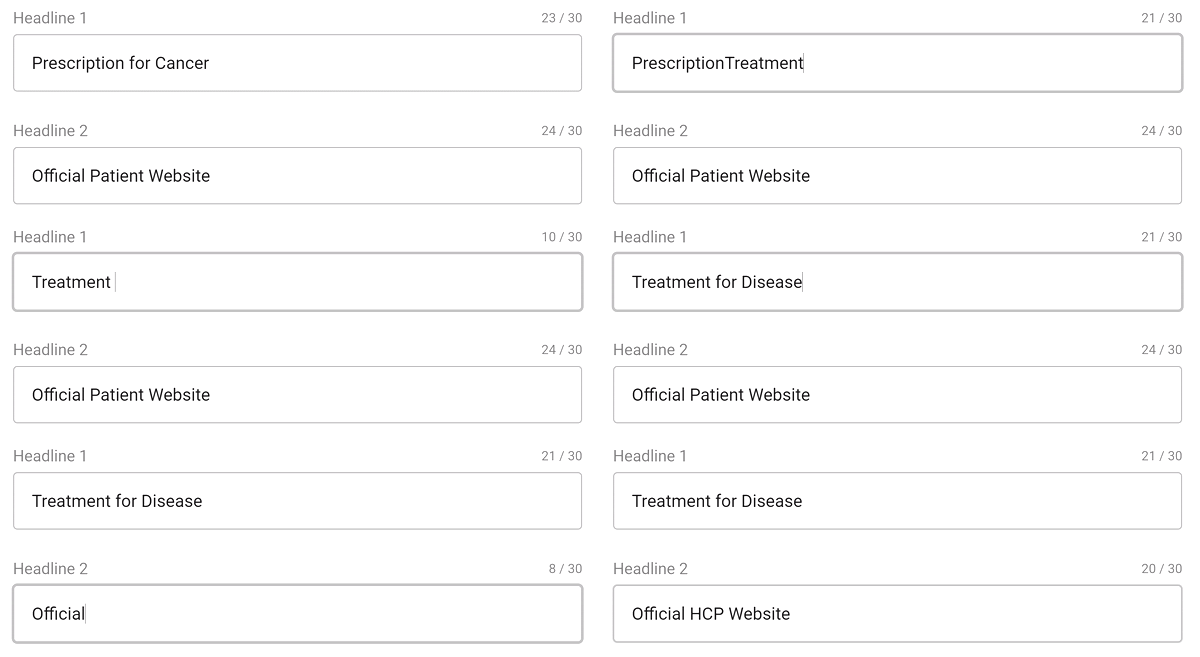
Expanded Text Ads Character Limits – (Will no longer be available after June 30, 2022)
Headline 1 – 30 Characters Headline 2 – 30 Characters Headline 3 – 30 Characters URL Display Path 1 – 15 Characters URL Display Path 2 – 15 Characters Description 1 – 90 Characters Description 2 – 90 Characters
Responsive SearchAds Character LimitsAll Headlines (Up to 15) – 30 Characters All Descriptions (Up to 4) – 90 Characters Display URL Path 1 – 15 Characters Display URL Path 2 – 15 Characters
Responsive DisplayAds Character LimitsStandard Headlines (Up to 5) – 30 Characters Long Headline – 90 Characters All Descriptions (Up to 5) – 90 Characters Business Name – 25 Characters Display URL Path 1 – 15 Characters Display URL Path 2 – 15 Characters
Call Only Ads Character LimitsHeadlines (Up to 2) – 30 Characters All Descriptions (Up to 2) – 90 Characters Business Name – 25 Characters Display URL Path 1 – 15 Characters Display URL Path 2 – 15 Characters
Google Ads Extensions Character limit
Sitelink Extension Character Limit Site Link Title Text – 25 Characters Site Link Description 1 – 35 Characters Site Link Description 2 – 35 Characters
Callout Extension Character Limit Callout Text – 25 Characters
Structured Snippet Character Limit Values (Up to 10) – 25 Characters Each
Price Extension Character Limit Price Extension Items (Up to 8) – Header – 25 Characters Price Extension Description – 25 Characters
Tips on how to Shorten Your Ad Copy so it fits the Google Character Limit
- Use the character counter to help you find your limit
- Make sure that each word matters
- Eliminate filler words such as ‘a,’ and, or is’
- Cut out unnecessary content such as prices and descriptions of physical products, unless it’s a service where appearance is important. Try using social proof instead e.g., “Over 100 people in London choose us for….”
- Use shorter words instead of longer ones; e.g., use ‘tool’ not ‘appliance.’
- Make sure you include all the relevant keywords, but without stuffing
- Break up your text using bullets and lists to make it easier for users to read on mobile devices (Google prefers this)
What Happens if You Don’t Follow the Rules of Google’s Character limit
There are a number of things that can happen if you go over the character limit for Google Ads. Some examples include:
- Your ad may show less often, meaning fewer clicks
- It could be disapproved by their system which means no ads will appear at all!
- If your copy is too long it may get cut off on mobile, which can lead to a bad user experience.
If your ads have been disapproved by Google Ads it may be because you’re using too many words that aren’t relevant to the keywords or ad text. You should fix this first and then resubmit for approval!
Why You Should Care About the Character Limit for Your Adwords Campaigns
- You want to make sure that your ads are relevant
- Google wants advertisers to show the best possible ad for each user, so they’re constantly trying to improve results.
- Improving CTR = Better Quality Score and Lower CPCs! If you aren’t working on improving your CTR then now is a great time to start 🙂
The Importance of Quality Content in an AdWords Campaign
Google’s Quality Score is one of the many factors that influence your Ad Rank, which in turn determines if you’ll show up on top of search results or at all.
Google doesn’t give out all of their ad ranking secrets, but they do let us know that ads with higher Quality Scores can show more often and lower costs! Aim to achieve a score of at least seven out of ten.
What is Quality Score
Google says that their quality score “is a measure of how relevant your ad is to the searcher’s query and the degree to which it will be clicked on.” How does this apply in practice? Well, if you have higher CTRs then Google thinks you’re more relevant for certain queries and will show your ads more often! This is good for you because it means that there’s a better chance of getting clicks on your ad.
Keep your ad relevant to the search query – Remember that it is better for users if you keep ads short
Be Aware: There are many factors that influence Quality Score which then affects how high or low your CPC will be and ultimately determines where your ad shows up (if at all). A higher quality score means an increased chance of showing up near the top of search results! Learn more about Quality Score in this article