Facebook and Instagram ad mockup generator
Pick a layout: Facebook feed on mobile or desktop, Stories or carousel, or Instagram feed, carousel or Reels. Add an image or video, primary text, a headline, a description, a URL and a call to action. The Facebook feed mockup shows the profile row, the Sponsored label, primary text cut to 3 lines with See more, the headline, the call to action and the likes row. The feed headline stops at 48 characters and the description stops at 30. Send one share link. Your client opens it with no account and comments on the ad. The live demo needs no signup. The Free plan for new accounts includes every ad format. Approval, and editing copy from the share link, are on Studio.
trailtreads
Sponsored


Realistic previews for every channel you run
Facebook feed details
The Facebook feed mockup shows the profile row, the Sponsored label, primary text cut to 3 lines with See more, the headline, the CTA button with Meta's CTA label and the likes row.
Mobile and desktop feed
The Facebook feed has a mobile mockup and a desktop mockup. Facebook Stories, Facebook and Instagram carousels, the Instagram feed and Instagram Reels each have their own layout too.
Client feedback before launch
Share one link and your client can comment on the image, primary text, headline or CTA of a Facebook feed ad before you build the campaign in Ads Manager. Approval is on Studio.
The feed post, line by line
In the Facebook feed mockup, primary text stops at 3 lines with See more, the headline is cut at 48 characters with an ellipsis and the description is cut at 30 characters. You see where your copy breaks before your client does.
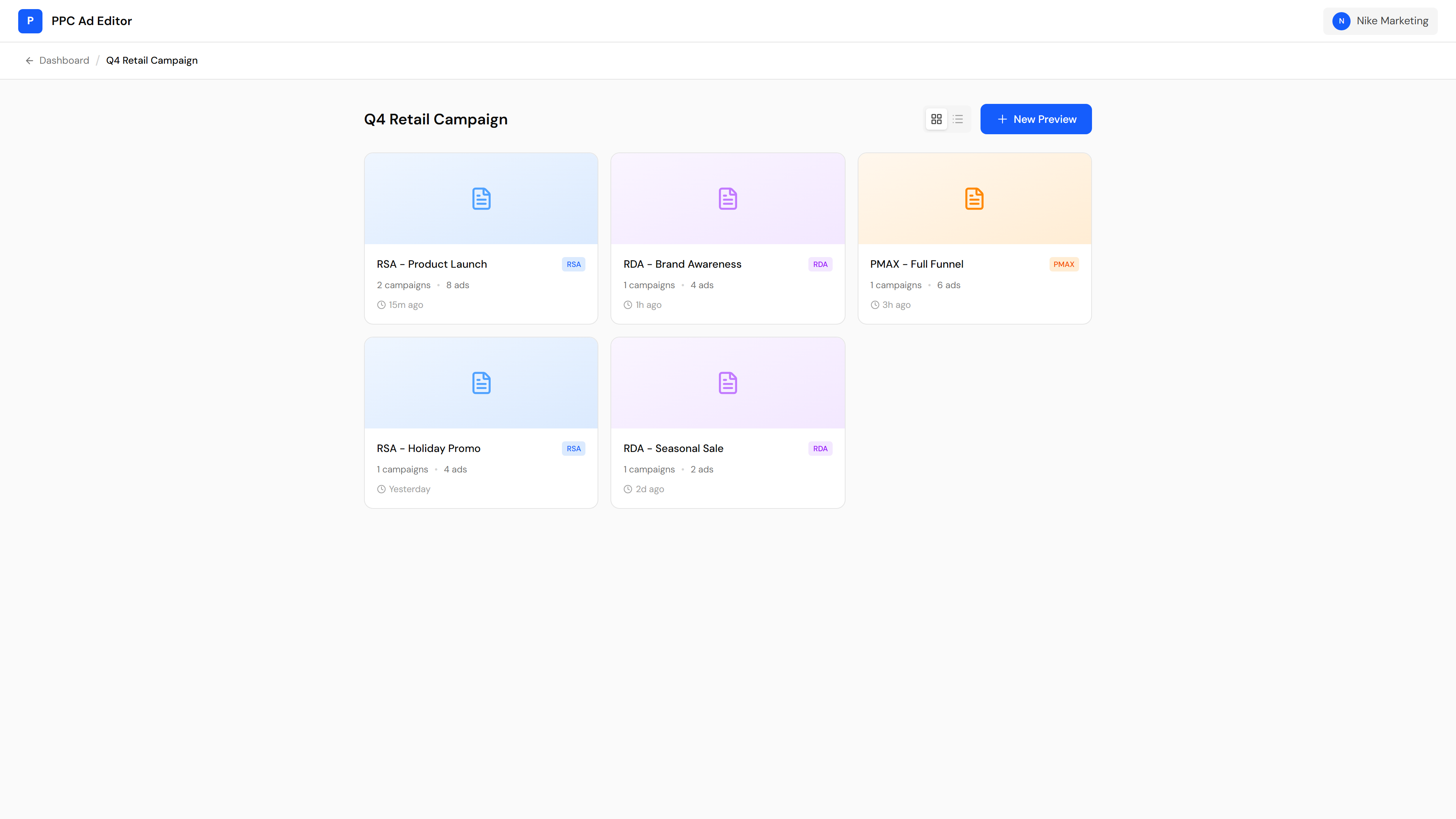
Comments land on the ad
Your client opens the share link without an account and comments on a specific part of the Facebook feed ad: profile image, business name, primary text, image, URL, headline, description or CTA. Approval needs Studio.
Six stages from kickoff to a launched, client-approved campaign
This is the workflow the whole product is built around. Teams that run all six stages get sign-off in days instead of weeks — with a client who watched it happen.
Brand setup
Add your client’s business name, logo and real URL. Every preview downstream looks like their actual ad — not a demo.
Logo · Display URL · Brand colors
Build the real campaign
Real structure: campaign → ad group → ads. Import a CSV, paste keywords or sync from Google Ads — or draft from scratch with AI.
CSV import · Keyword paste · Google Ads sync · AI drafts
Make it client-ready
Add images, sitelinks, callouts and keywords per format. Optional polish — never a gate between you and sending.
Extensions · Images · Keywords
Send to client
One share link with commenting on by default. No client logins. You’re notified the moment they open it.
Share link · Comment access · Notify on view
Client feedback
Comments land on the exact headline the client clicked, and the client can type the fix as a proposed revision. No email threads to chase.
Inline comments · Proposed revisions
Approve & launch
The client approves on the ad, and their name and the time are recorded. Then export a file for Google Ads Editor and import it.
Approval record · Export for Google Ads Editor
Facebook ad preview before you launch
A Facebook ad preview shows your ad in a feed layout before it goes live. Add the image or video, primary text, headline, description, URL and call to action, and the Facebook feed mockup shows them with the profile row, the Sponsored label, the See more cut after 3 lines and the likes row.
Check the same copy in the Facebook desktop feed mockup, then send the share link. Your client opens it without an account and comments on the part that needs a change.
Which Facebook and Instagram formats can you mock up?
You can mock up the Facebook feed on mobile, the Facebook desktop feed, Facebook Stories, Facebook carousel, Instagram feed, Instagram carousel and Instagram Reels. Each format has its own mockup layout, so pick the one that matches where the ad will run. Messenger, Audience Network, Marketplace and right column placements are not included.
The Free plan for new accounts includes every format, with 3 previews, 1 shared preview and 3 anonymous comments per preview. Accounts on an older free plan do not get every format. You can also explore the formats in the live demo without signing up.
For carousel ads, see the Facebook and Instagram carousel ad mockup page.
For Stories, see the Story ad mockup page.
Meta Creative Hub or a shareable client mockup?
Meta Creative Hub is Meta's own tool for collaborating on ad mockups, with Single image or video and Carousel options and a preview link that lets anyone with the link see the ad. PPC Ad Editor adds comments tied to each part of a Facebook feed ad.
In Creative Hub you select Create mockup, name it, add your Facebook Page or Instagram account, choose Single image or video, or Carousel, then add media, text, a website URL and a call to action.
You can share a Creative Hub preview link with people whether or not they are collaborators. They can view the ad on desktop, mobile or tablet, you set how many days the link stays active, and you can allow importing to Ads Manager.
In the PPC Ad Editor Facebook feed mockup, the profile image, business name, primary text, image, URL, headline, description and CTA each take their own comments, so every note sits on the part it is about.
On Studio, the paid plan, your client can also approve the mockup or request revisions, and the Editor permission lets them edit copy in the shared preview.
Facebook and Instagram ad mockup FAQ
How do I create a Facebook ad mockup?
Pick a Facebook format: feed on mobile or desktop, Stories or carousel. Add your image or video, primary text, headline, description, URL and call to action. The feed mockup places them under the profile row and Sponsored label. Then send the share link so your client can comment, or try the live demo first without signing up.
What is Meta Creative Hub?
Meta Creative Hub is Meta's own tool for building and collaborating on ad mockups. You name a mockup, add your Facebook Page or Instagram account, choose Single image or video, or Carousel, and add media, text, a website URL and a call to action. You can share a preview link and set how many days it stays active.
Is there a free Facebook and Instagram ad mockup generator?
Yes. The Free plan for new accounts includes every ad format, with 3 previews, 1 shared preview, 3 anonymous comments per preview and 50 AI credits a month. Accounts on an older free plan do not get every format. You can also explore the formats in the live demo without signing up.
What size is an Instagram ad mockup?
Pick the layout first: Instagram feed, Instagram carousel or Instagram Reels. The mockup then uses that layout, so you review the ad in the format it will run in. This page does not list pixel sizes or aspect ratios, so check Meta's current ad specs before you upload final creative to Ads Manager.
Can my client comment without an account?
Yes. The share link opens without an account. In the Facebook feed mockup, your client can comment on the profile image, business name, primary text, image, URL, headline, description or CTA, so each note sits on the part it is about. The Free plan for new accounts includes 3 anonymous comments per preview.
Can clients approve the ad or edit the copy?
Yes, on Studio, the paid plan. Your client can approve the mockup or request revisions, and the Editor permission lets them edit the copy in the shared preview. Without Studio, both stay locked, and your client can still open the share link and leave comments.
More ad formats to mock up
Build your Facebook or Instagram ad mockup.
Start on the Free plan for new accounts, which includes Stories and carousels, or try the live demo. Approvals need Studio.
Unlimited sample exploration · Free includes every format · Studio from $149/mo